
Text Prompt to Video Generator 10 Best AI Tools
The rise of text-to-video technology is redefining how brands, educators and creators communicate. By converting language prompts into dynamic visuals these AI engines compress days of production into minutes unlocking fresh capacity for experimentation and scale.
What Is a Text Prompt to Video Generator?
A text prompt to video generator is an AI system that parses natural language descriptions matches them with relevant imagery, motion, sound and speech synthesis then renders a finished clip in a chosen aspect ratio often in 1080p or higher resolution https://www.datacamp.com/blog/openai-announces-sora-text-to-video-generative-ai-is-about-to-go-mainstream. Modern engines rely on a blend of diffusion models (for frame level detail) and transformer architectures (for scene coherence) to maintain temporal consistency across multiple seconds of footage.https://en.wikipedia.org/wiki/Sora_(text-to-video_model)
Key capabilities include:
Text-to-video, image-to-video, and video-to-video conversion. https://www.zignuts.com/ai/runway-gen-2 https://pikalabsai.org/
Generative voiceovers in dozens of languages. https://youtu.be/ZuCqmuCUTX0 https://lumen5.com/learn/using-lumen5-to-turn-text-into-videos/
AI avatars with lip-sync and gesture control. https://youtu.be/mgcLz4CXMaQ https://animoto.com/
Cloud-based rendering and collaborative editing dashboards. https://runwayml.com/product https://youtu.be/uI3KvOQeZ94
Top 10 Text Prompt to Video Generator AI Tools
Let’s dive into the best AI tools that turn text into videos effectively.
1. Runway ML
Overview
Runway’s Gen-4 Turbo model extends the celebrated Gen-2 pipeline with higher frame rates and reference image fidelity https://runwayml.com/product. Users can synthesize scenes, upscale outputs or perform granular edits via the Motion Brush and Lip-Sync modules. https://youtu.be/yP67VfjjOSc
Why It’s Great
- Generates up to 187s of 1080p video per monthly Pro plan credit allotment. https://runwayml.com/pricing
- Offers in-painting, out-painting, and character performance cloning for pre-vis workflows. https://runwayml.com/
Live Example
A footwear startup recently prototyped an ad in 4K sneaker close ups by feeding Gen-4 a two-sentence brand story; the team iterated on camera moves in real time and exported a vertical TikTok cut under budget.
Best For
Short films, high-concept ads and experimental storytelling.
2. Pika Labs
Overview
Pika 2.2 brings 10 second, 1080p outputs and Pikaframes key framing for smoother motion. The Discord-based UI lets creators type “/create” to spawn cinematic or cartoon sequences with one click. https://monica.im/en/ai-models/pika-ai
Why It’s Great
- Unique “Pikaffects” such as Inflate or Melt tailor physics-defying effects.
- Community collaboration channels accelerate prompt sharing and remix culture. https://pollo.ai/m/pika-ai
Live Example
Indie game devs used Pikaframes to storyboard a boss fight animation iterating through 12 versions overnight without traditional 3-D software.
Best For
Meme culture, stylized shorts, gaming mock-ups.
3. OpenAI Sora (Beta)
Overview
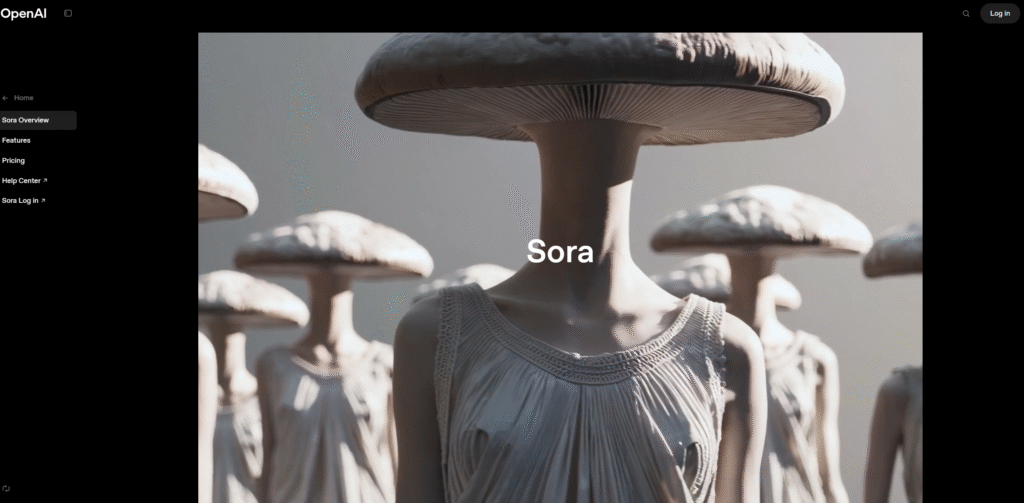
Sora Turbo now supports 20-second 1080p clips and a storyboard tool for frame-specific prompting https://openai.com/index/sora-is-here/. It blends diffusion and transformer layers to preserve object identities even when they exit the frame.
Why It’s Great
- Advanced recaptioning auto-expands prompts for richer detail.
- Direct integration with ChatGPT Plus/Pro tiers for seamless workflow. https://openai.com/sora/
Live Example
An e-learning publisher built a micro lecture on Newton’s cradle; Sora maintained orb physics across slow-motion cuts impossible with earlier models.
Best For
Concept videos, data storytelling, interactive education.
4. Synthesia
Overview
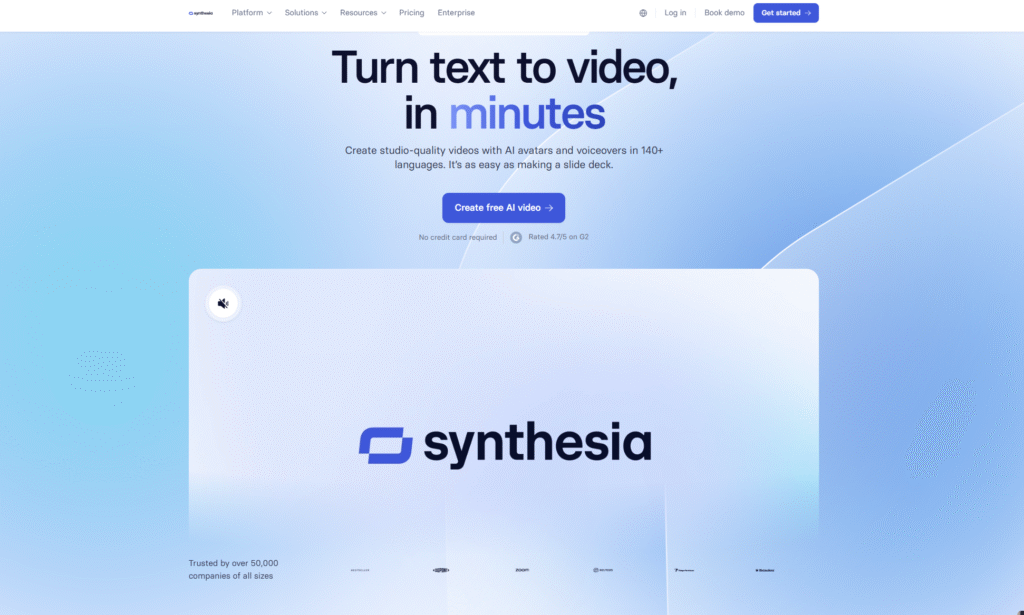
Synthesia’s browser studio converts scripts into talking head videos with 200+ expressive avatars and instant subtitle generation https://youtu.be/mgcLz4CXMaQ. The 2025 update introduces Selfie to Avatar cloning and multilingual dubbing.
Why It’s Great
- Supports SCORM export for LMS integration.
- Allows slide-level animation and collaboration checkpoints.
Live Example
Teleperformance scaled 3,000 onboarding modules in 32 languages by feeding HR manuals into Synthesia and localizing voiceovers in hours not weeks.
Best For
Corporate training, internal comms, and faceless YouTube channels.
5. Lumen5
Overview
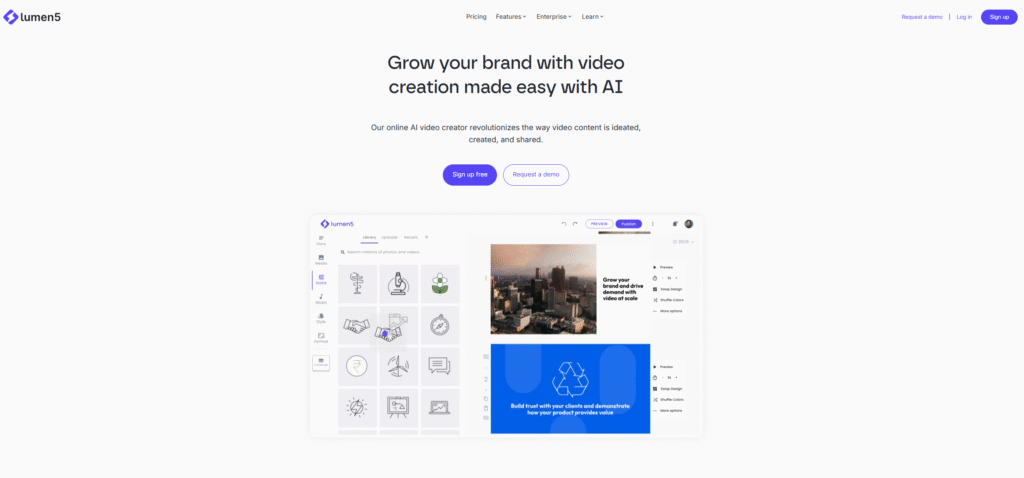
Lumen5 ingests blog URLs, PDFs or raw text summarizes the content with NLP then aligns scenes with Getty stock clips https://play.google.com/store/apps/details?id=io.invideo.ai. AI voiceovers and brand kits streamline workflow.
Why It’s Great
- Scene length auto-adjusts to match average reading speed boosting retention. https://youtu.be/iln0fOakWpM
- Drag-and-drop editor fine-tunes layout zero need for timeline expertise. https://apps.apple.com/in/app/invideo-ai-ai-video-generator/id6471394316
Live Example
A SaaS marketer repurposed a 1,600-word whitepaper into a three-minute explainer raising social impressions by 48% month over month.
Best For
Content marketers, bloggers and agencies.
6. InVideo AI
Overview
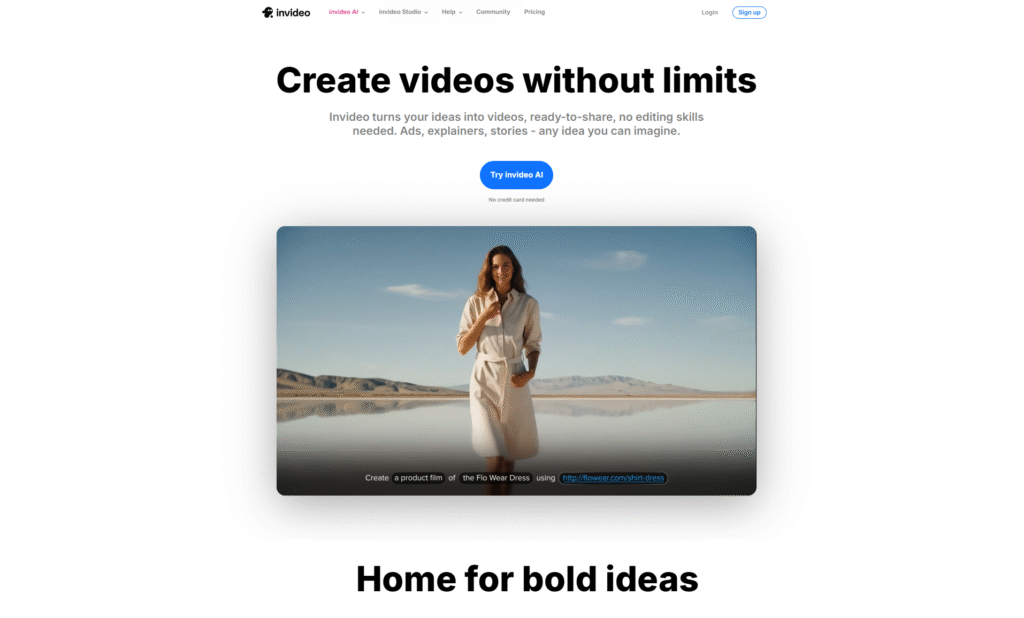
InVideo AI v3.0 delivers prompt-to-video, animation styles, voice cloning and 50 language dubbing https://www.veed.io/create/text-video-maker. The iOS and Android apps offer the same generation pipeline on mobile. https://www.veed.io/tools/text-to-speech-video
Why It’s Great
- 16-million-asset stock library automatically tagged by AI for relevance. https://youtu.be/ZuCqmuCUTX0
- Text-command editing (“Change voiceover to French”) accelerates revisions.
Live Example
A travel vlogger produced daily shorts during a Japan trip entirely from a phone dictating prompts while commuting between prefectures.
Best For
Social reels, product explainers on the go creators.
7. VEED.io
Overview
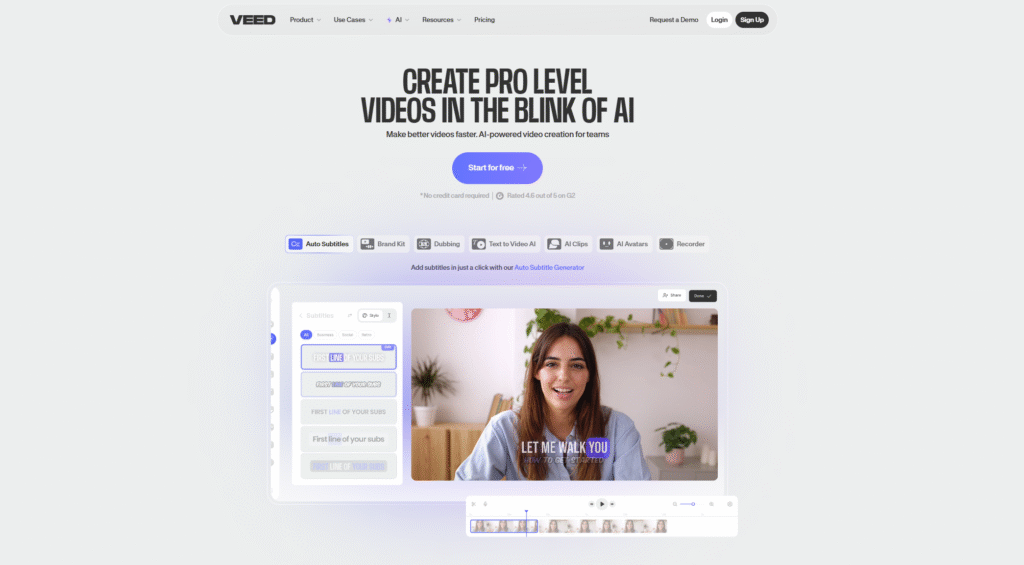
VEED’s AI suite transforms scripts into narrated videos drops autogenerated B-roll and offers one-click subtitle styling https://youtu.be/uI3KvOQeZ94. Advanced tools include TTS, waveform overlays and brand presets. https://youtu.be/B2CGtW01Duk
Why It’s Great
- Browser-based multitrack timeline supports team comments in real time.
- AI avatar option mimics Midjourney-style characters for niche campaigns. https://help.deepbrain.io/en/articles/8381193-how-do-i-access-and-select-an-ai-avatar
Live Example
A LinkedIn consultant raised CTR 3.2× by embedding VEED-generated tutorial snippets in newsletter sequences complete with animated captions and call-to-action stickers.
Best For
Influencers, SMBs and distributed teams.
8. DeepBrain AI
Overview
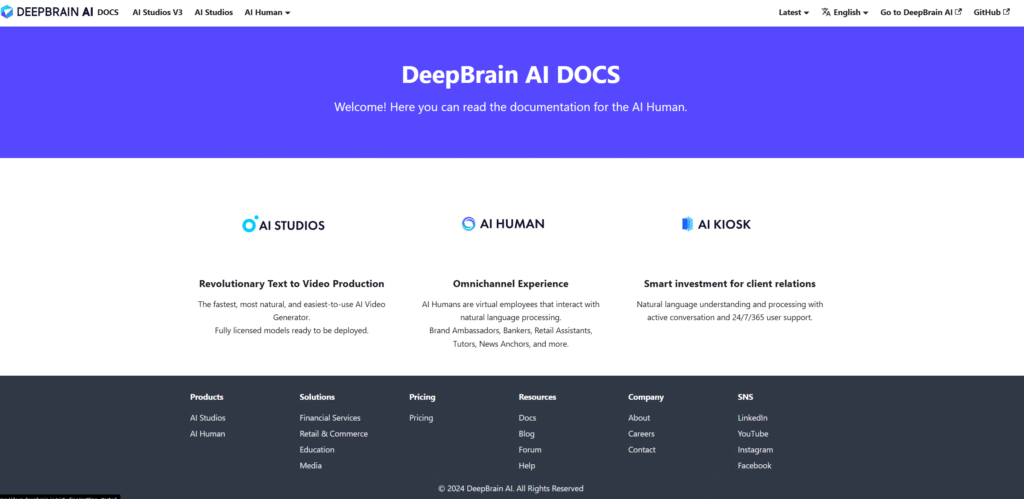
AI Studios supplies hyper-realistic avatars selectable from a 2,000 model gallery or via custom capture. Scene editor layers slides, imported media and AI-generated backgrounds. https://blog.ishosting.com/en/animoto-review
Why It’s Great
- Real-time language switching lets a single avatar deliver multilingual news bulletins. https://animoto-video-maker-editor-ios.soft112.com/
- Gesture presets (wave, pointing) increase viewer engagement.
Live Example
A regional broadcaster created overnight weather updates with a cloned presenter cutting studio costs by 70% while retaining audience trust.
Best For
Newsrooms, e-learning, customer-service kiosks.
9. Animoto
Overview
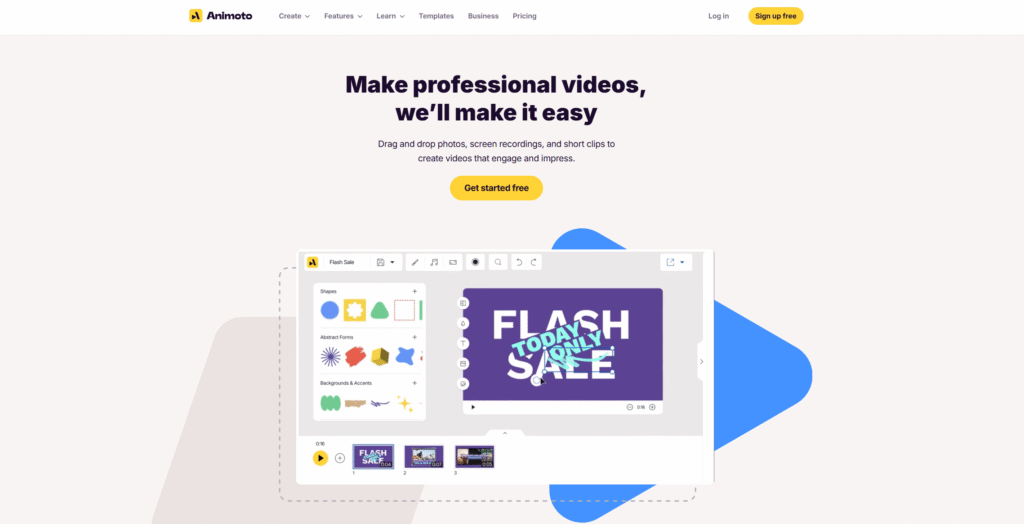
Animoto’s web service assembles photos, text and licensed music into slideshow-style videos; the 2024 update embeds screen-capture and voice-over tools. https://designs.ai/blog/videomaker-revolutionizing-video-editing-with-ai/
Why It’s Great
- Integrates Getty Images and 3,000+ soundtrack options.
- Mobile apps let users post directly to Instagram, Facebook and Pinterest. https://youtu.be/J_F_ifGkd94
Live Example
A wedding photographer exported same-day highlight reels for guests by combining DSLR stills with B-roll captured on-site, driving add-on sales.
Best For
Event promos, personal branding, presentations.
10. Designs.ai Videomaker
Overview
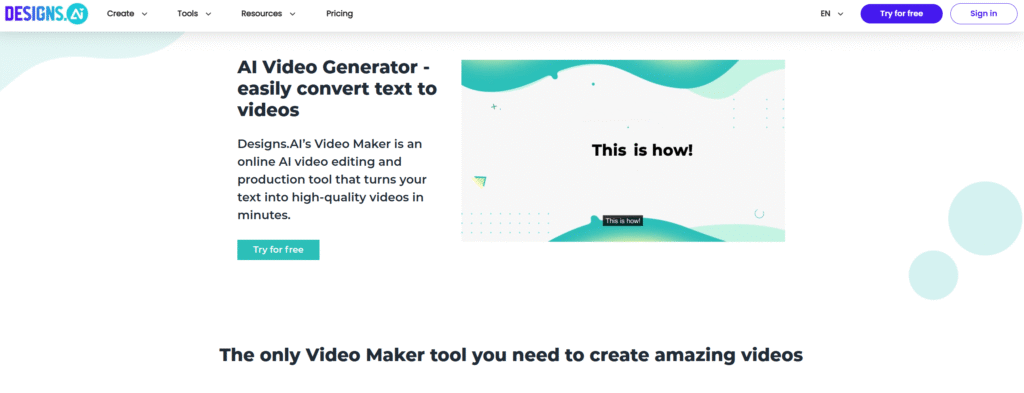
Designs.ai converts up to 1,500 character scripts into multiformat videos complete with text-to-speech and Lottie animations https://youtu.be/Fvd3g4ywroc. Four aspect ratio presets auto reformat assets for cross-platform deployment. https://youtu.be/7k3N1bUURa4
Why It’s Great
- AI suggests color palettes and font pairings based on brand guidelines.
- Team draft sharing with comment threads shortens approval cycles.
Live Example
An e-commerce seller turned product descriptions into Amazon listing videos increasing session duration by 22%.
Best For
Agencies, solopreneurs and e-commerce catalogs.
Benefits of Using a Text Prompt to Video Generator
Use Cases in Content Writing and SEO
- Blog-to-Video Repurposing – Paste article URLs into Lumen5 to auto-summarize key points and embed resulting videos for richer SERP snippets.
- Landing Page Enhancement – Generate product demo loops in Runway and host them inline to boost dwell time a known behavioral ranking factor.
- Social Caption Conversion – InVideo AI transforms Instagram captions into vertical reels with voiceovers expanding organic reach.
- Freelance Services – Offer Synthesia avatar videos as white-label e-learning modules to SMEs seeking remote training solutions.
SEO Optimization Tips for Video Generators
- Front-Load Keywords in File Names – Export as “ai-text-to-video-tool-demo.mp4” rather than generic hashes.
- Leverage VideoObject Schema – Include thumbnail URLs, durations and transcript URLs to qualify for rich snippets.
- Publish Transcripts – Tools like VEED auto-caption; paste the SRT into page copy for semantic search crawlers.
- Use LSI Terms – When prompting Sora, incorporate synonyms (“animated explainer,” “motion graphic”) to help recaptioning generate diverse visuals.
- Choose High-Authority Hosts – Embedding from YouTube or self-hosting on a CDN ensures fast playback an indirect ranking signal.
Future of Text-to-Video in Content Creation
Advancements slated for 2025-2026 include:
- Context-Aware Personalization – Gen-5 models will tailor B-roll and pacing to individual viewer profiles, driving retention.
- Fully Interactive Clips – Sora’s world-simulation research hints at clickable, branching narratives inside generated footage.
- CMS Plugins – Expect WordPress and Shopify extensions that generate hero videos from product titles automatically.
- Edge Rendering – 5G/6G connections will enable on-device compositing slashing cloud latency.
- Ethical Safeguards – More transparent watermarking and AI-generated content disclosures to maintain user trust.
The rise of Text Prompt to Video Generator tools marks a game changing era for content creators. These AI tools not only save time but also empower solopreneurs, marketers and writers to scale content creation effortlessly. By choosing the right tool and optimizing your videos for SEO you can create high-quality content that engages your audience and ranks well on Google.
Conclusion
Text prompt to video generators have crossed the threshold from novelty to necessity. Whether you’re a solopreneur aiming to repurpose blog posts a marketer optimizing landing pages or a filmmaker sketching storyboards these AI platforms collapse production barriers and magnify creative throughput. By choosing the right tool for your goals Runway for cinematic flair Synthesia for avatar-driven tutorials or Lumen5 for blog repackaging you can future proof your content strategy and ride the next wave of video-first communication. The future is already streaming type your first prompt and press “generate.”
FAQs
1. What is a Text Prompt to Video Generator?
It’s an AI tool that converts written text into full videos using NLP and generative AI.
2. Are these tools beginner-friendly?
Yes, most platforms offer drag-and-drop interfaces and easy onboarding.
3. Can I monetize AI-generated videos?
Absolutely, especially on YouTube, social platforms, or as part of a service.
4. Are AI video generators SEO-friendly?
Yes, if you optimize titles, transcripts, and metadata correctly.
5. Which tool is best for long-form videos?
Runway ML and OpenAI Sora are best for generating complex, scene-based videos.