How to Create WhatsApp Bot: A Guide for Beginners
How to Create WhatsApp Bot is a hot topic in today’s tech driven world. With more than 2 billion users WhatsApp is not just a messaging platform it’s a business tool. Creating a WhatsApp bot helps automate customer support, generate leads and provide instant responses without human intervention.
What is a WhatsApp Bot?
A WhatsApp bot is an automated software agent that interacts with users on WhatsApp handling messages according to predefined rules, conversational flows or AI powered intent detection.
Companies leverage bots for:
- Instant FAQ responses: Answer common questions without human agents
- Transactional alerts: Send order confirmations, shipping updates, reminders
- Lead qualification: Gather prospect details via interactive prompts
- Conversational commerce: Guide users through product catalogs and checkout
Modern bots may be purely rule based or integrate NLP/ML engines for natural language understanding enabling contextual dialogue and dynamic responses.
Why You Should Learn How to Create WhatsApp Bot

Businesses adopting WhatsApp automation report:
- 24/7 Support: Serve customers anytime, reducing response times to seconds.
- https://www.heltar.com/blogs/the-ultimate-2025-guide-to-whatsapp-chatbots-with-heltar-cmai4yd60001rpzajbmlrjjhv
- Lead Qualification: Use interactive menus to capture names, emails and preferences.
- https://obbserv.com/marketing-automation/blog/whatsapp-chatbots-revolutionizing-customer-support-2025/
- Time & Cost Savings: Free up agents from repetitive queries cutting support costs by up to 40%.
- Personalization: Address users by name, send location based offers and tailor flows to past interactions.
- Scalability: Handle thousands of concurrent conversations effortlessly.
In 2025 companies without chat automation risk falling behind in customer experience and operational efficiency.
Tools Required to Create a WhatsApp Bot
- Verified WhatsApp Business Account
- WhatsApp Business API access (via Meta Cloud API or a Business Solution Provider such as Twilio, Rasayel or Infobip) https://learn.rasayel.io/en/blog/whatsapp-business-solution-providers/
- Coding environment (Python, Node.js) for custom bots
- No-code chatbot builder (ManyChat, Landbot, Chatfuel) for drag and drop flows (https://landbot.io/blog/create-whatsapp-bot) (https://learn.rasayel.io/en/blog/whatsapp-chatbot/)
- Hosting platform (Heroku, AWS, Vercel) with HTTPS support
- NLP/NLU service (Dialogflow, Rasa) for AI driven bots
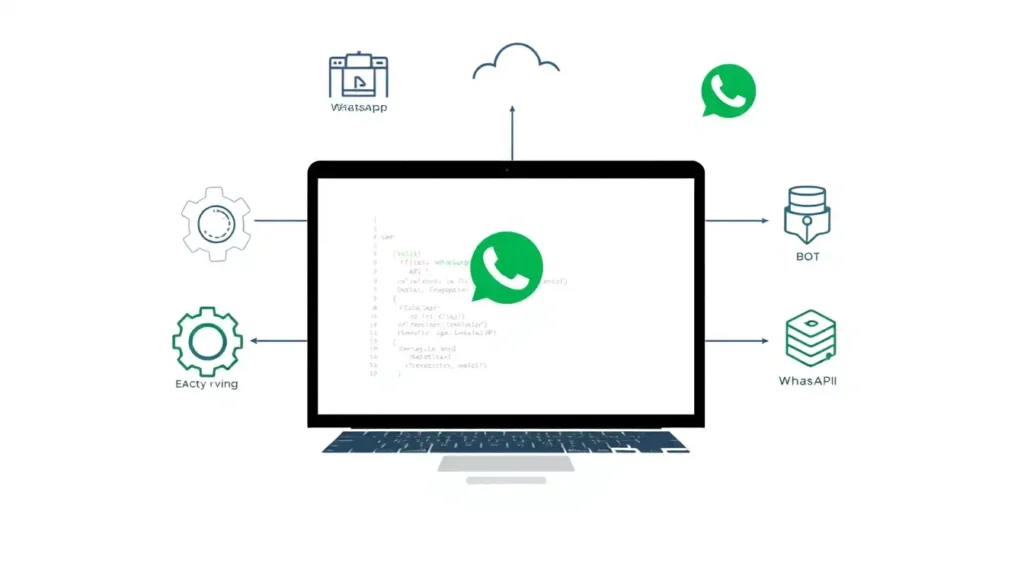
How to Create WhatsApp Bot in 6 Steps
Step 1: Apply for WhatsApp Business API
If using a BSP apply through their portal Rasayel and Infobip streamline approvals and provide dashboards for message templates.
https://d7networks.com/blog/best-whatsapp-api-providers-for-businesses
Sign in to Meta for Developers and navigate to the WhatsApp Cloud API documentation.
Verify your Facebook Business Manager and submit KYC documents.
Step 2: Choose a Hosting Environment
Production: Deploy on Heroku, AWS Elastic Beanstalk or Vercel. Ensure SSL certificates and webhook endpoints are configured securely.
Local testing: Use tools like ngrok to expose your local server over HTTPS.
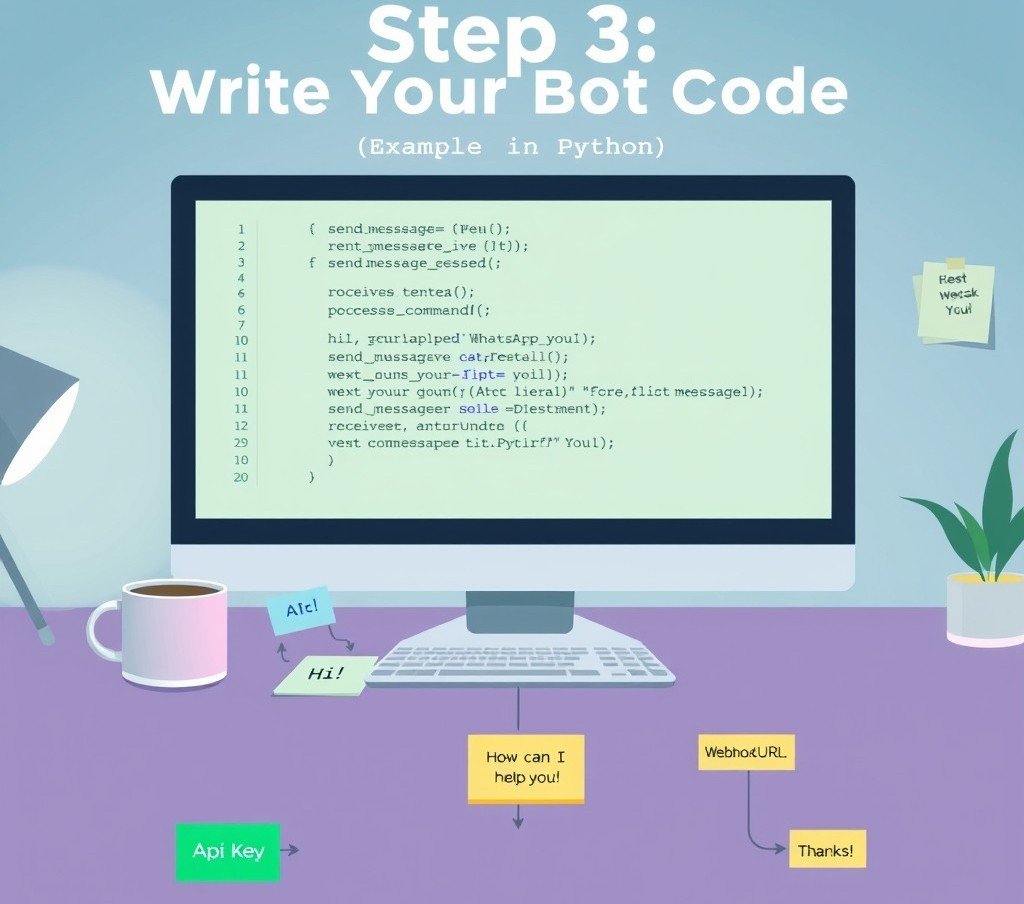
Step 3: Write Your Bot Code (Python + Flask + Twilio Example)
pythonfrom flask import Flask, request
from twilio.twiml.messaging_response import MessagingResponse

app = Flask(__name__)

@app.route("/whatsapp", methods=["POST"])
def reply():
    incoming_msg = request.values.get("Body", "").lower()
    resp = MessagingResponse()
    msg = resp.message()

    if "hello" in incoming_msg:
        msg.body("Hi there! How can I help you today?")
    elif "order" in incoming_msg:
        msg.body("Sure—please provide your order number.")
    else:
        msg.body("Sorry, I didn’t get that. Try typing 'Hello' or 'Order'.")
    return str(resp)

if __name__ == "__main__":
    app.run(debug=True)
This simple bot handles greetings and order inquiries. In production extend the logic to query databases or integrate with CRMs.
Step 4: Test Your Bot with Twilio Sandbox
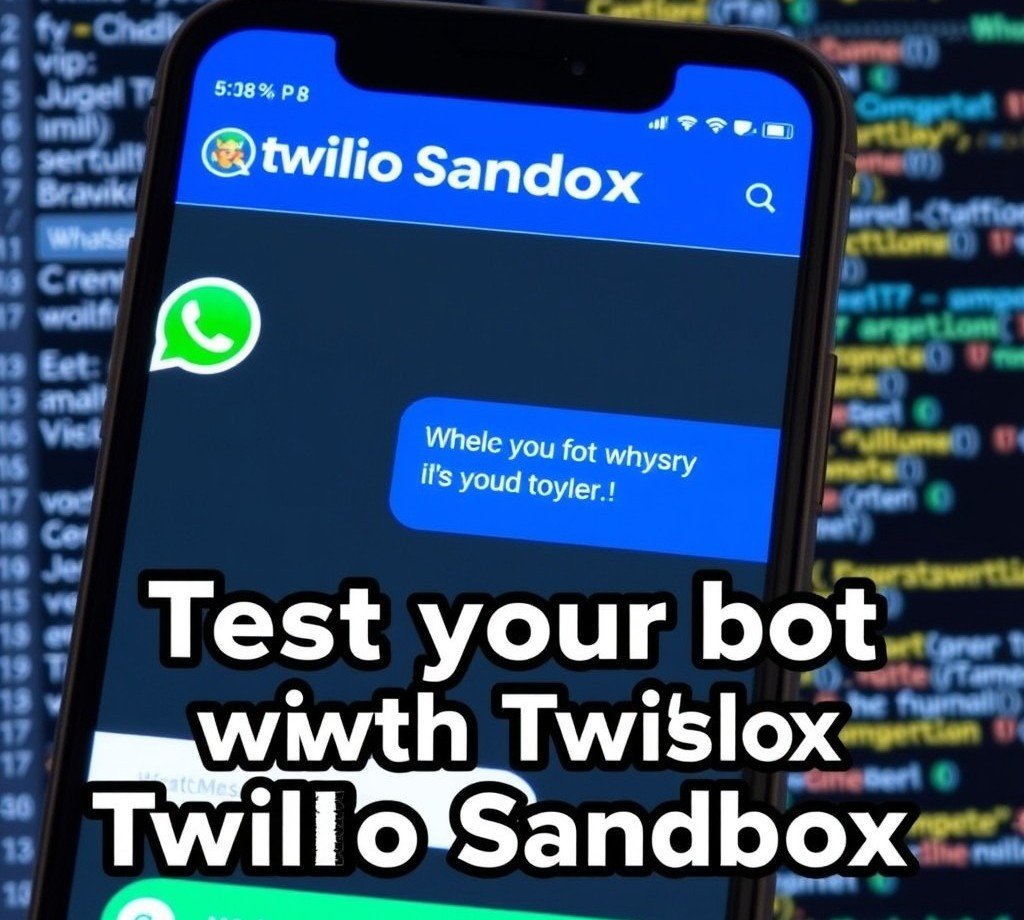
- Register on Twilio and access Programmable Messaging → Try it out → WhatsApp Sandbox.
- Join the sandbox by messaging the provided code to Twilio’s number.
- Configure your webhook URL (e.g
https://<your-domain>/whatsapp) in the Twilio console. - Send messages to the sandbox number to verify replies. https://wabaconnect.com/10-best-whatsapp-chatbots-in-2025/
Step 5: Add Intelligence (Optional)
Use pretrained LLMs or frameworks like Botpress to power AI driven flows that handle open ended queries and maintain context across turns. https://research.aimultiple.com/top-chatbot-success/
https://botpress.com/blog/open-source-chatbots
Integrate Dialogflow or Rasa for intent detection and entity extraction.
Step 6: Go Live
Monitor delivery rates, response times and engagement metrics via your BSP or Meta’s analytics dashboard.
Move from sandbox to production by verifying your business phone number and submitting templates for approval.
Ensure compliance with WhatsApp’s messaging policies (opt-in, template usage).
How to Create WhatsApp Bot Without Coding
If you prefer a no-code approach drag and drop builders offer fast deployment:
- WATI: WhatsApp focused platform with ticketing, bulk messaging.
- ManyChat: Flow builder, AI steps, broadcasts free up to 1,000 contacts.
- Landbot: Visual builder with AI assistant rich blocks for buttons, lists.
- Chatfuel: Simple interface integrates with Zapier for extended workflows.
- WANotifier: Zero code custom chatbot builder manage multiple bots.
These platforms handle API integration, template management and hosting letting you focus solely on conversation design.
WATI
WATI offers a drag and drop flow builder that simplifies creating automated workflows.
It seamlessly integrates with your CRM to keep customer data connected. The platform enables automatic replies for faster customer engagement. Users can design customized messaging flows without coding skills. This helps businesses respond quickly and efficiently to customer inquiries.
Overall WATI streamlines communication and enhances customer relationship management.
Landbot
Landbot is a no code chatbot platform featuring a visual drag and drop builder that enables users to create sophisticated conversational flows without coding. It supports rich blocks such as buttons, lists, galleries, quick replies and media elements to build interactive user experiences. The platform includes AI assistants for customer support, lead generation and appointment booking, enhancing chatbot intelligence and automation. https://findmyaitool.io/tool/landbot-ai-chatbot-generator/
https://chatimize.com/reviews/landbot
Landbot also offers conditional logic, formulas, dynamic data integration and reusable bricks (subflows) for scalable chatbot design. It integrates easily with CRMs, email platforms and APIs allowing multi channel deployment on web, WhatsApp and more. Analytics and human handover features further improve engagement and service quality. https://botpenguin.com/blogs/a-complete-guide-to-landbot
ManyChat
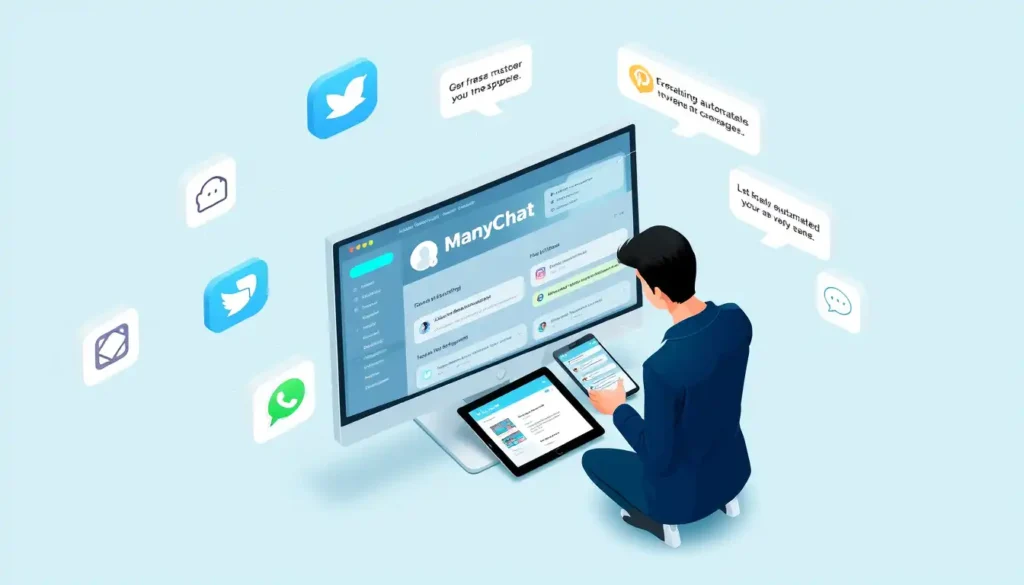
ManyChat features a visual flow builder that enables users to design automated conversations using a simple drag and drop interface https://www.gptbots.ai/blog/manychat-review. It adds AI steps allowing chatbots to intelligently collect information and craft personalized replies across platforms like Messenger, Instagram and WhatsApp https://help.manychat.com/hc/en-us/articles/14281187288860-Manychat-AI-Step. The platform supports broadcasts so you can send mass messages or schedule announcements to all or targeted contacts.
Broadcasts can be customized by type audience and delivery time for optimal engagement. ManyChat’s free plan includes all these core tools for up to 1,000 contacts after reaching this limit sending new messages requires an upgrade to a paid plan. This makes ManyChat accessible for small businesses and scalable as you grow. https://help.manychat.com/hc/en-us/articles/14281228205212-Broadcasting-in-Manychat-Connecting-with-your-audience-at-scale
Chatfuel
Chatfuel features a simple and intuitive drag and drop interface that makes chatbot creation accessible to users without coding skills. It allows designing chat automation flows through an easy to use flow builder and block builder with copying and pasting capabilities for efficiency. Chatfuel offers pre built templates tailored for various industries customizable to fit brands needs.
https://chatimize.com/reviews/chatfuel
https://www.voiceflow.com/blog/chatfuel
It supports integration with Zapier and other third party apps like Google Sheets, Shopify and ChatGPT enabling extended workflows and automation beyond the platform. The platform includes AI-powered features such as keyword recognition, ChatGPT integration and AI agents for automating customer support and lead generation. Additionally Chatfuel provides analytics tools to monitor user interactions and optimize chatbot performance along with live chat and re engagement campaign capabilities. https://botpenguin.com/blogs/what-is-chatfuel-and-how-does-it-work
WANotifier

WANotifier is a no code WhatsApp chatbot builder that allows users to create and manage multiple custom chatbots using an intuitive drag and drop interface. It enables businesses to build complex chatbot workflows without any coding experience helping automate customer engagement lead qualification and support 24/7.
WANotifier supports multi bot management from a single WhatsApp number with features like triggering chatbots based on user actions, connecting to external APIs, routing queries to live agents and manually taking over conversations when needed. It integrates easily with CRM and other tools for seamless automation and offers zero markup on WhatsApp Business API charges making it cost effective. Overall WANotifier streamlines WhatsApp communication workflows with powerful automation and multi bot capabilities
Live Examples & Case Studies:
- E-commerce Automation: A fashion retailer used a WhatsApp bot built on Gupshup to send abandoned cart reminders recovering 25% of lost sales.
- Healthcare Reminders: A clinic automated appointment confirmations via Dialogflow powered bot reducing no shows by 30%.
- Banking Alerts: A regional bank deployed a Twilio bot for transaction alerts and mini statements improving customer satisfaction scores by 20%.
- Travel Booking: A tour operator leveraged ManyChat to guide customers through destination selection, quote generation and booking confirmation all in WhatsApp.
WhatsApp Bot Use Cases
| Industry | Use Case | Benefit |
|---|---|---|
| E-commerce | Order confirmations, cart recovery | 15–25% increase in conversions |
| Healthcare | Appointment reminders, symptom triage | 30% fewer no-shows |
| Banking | Mini statements, fraud alerts | Improved security, user trust |
| Travel | Booking flow, flight updates | Streamlined customer journey |
| Education | Course notifications, student support | Enhanced engagement and retention |
WhatsApp Bot Best Practices
- Design a clear welcome message guiding users on how to interact.
- Map conversation flows and anticipate edge cases (unknown inputs).
- Provide a human fallback in case the bot cannot resolve queries.
- Comply with policies: Only initiate messages with user opt-in use approved templates for notifications.
- Leverage session messages within 24-hour windows to maximize free communication.
- Enable analytics to measure intent detection accuracy and customer satisfaction.
Common Mistakes to Avoid
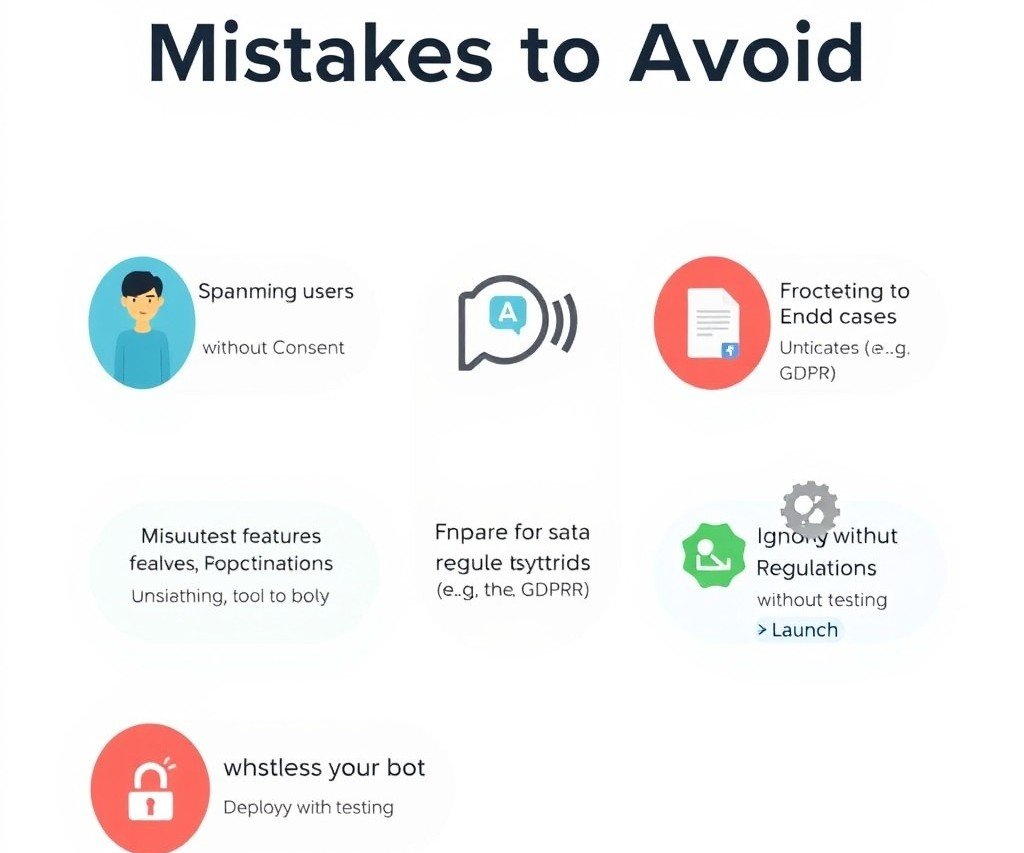
- Spamming users without explicit consent.
- Overusing broadcast features for promotions.
- Neglecting fallback logic leading to dead end conversations.
- Ignoring GDPR and data privacy regulations.
- Going live without sufficient testing across workflows and languages.
Sources:
- Heltar: “The Ultimate 2025 Guide to WhatsApp Chatbots” https://www.heltar.com/blogs/the-ultimate-2025-guide-to-whatsapp-chatbots-with-heltar-cmai4yd60001rpzajbmlrjjhv
- Rasayel: “Top 5 WhatsApp Business Solution Providers in 2025” https://learn.rasayel.io/en/blog/whatsapp-business-solution-providers/
- WABA Connect: “10 Best WhatsApp Chatbots in 2025” https://wabaconnect.com/10-best-whatsapp-chatbots-in-2025/
- AI Multiple: “Top 25 Chatbot Case Studies & Success Stories in 2025” https://research.aimultiple.com/top-chatbot-success/
- D7 Networks: “25 Best WhatsApp Business API Providers in 2025” https://d7networks.com/blog/best-whatsapp-api-providers-for-businesses/
- Obbserv: “WhatsApp Chatbots: Revolutionizing Customer Support in 2025” https://obbserv.com/marketing-automation/blog/whatsapp-chatbots-revolutionizing-customer-support-2025/
- Botpress: “14 Best Open Source Chatbot Platforms to Use in 2025” https://botpress.com/blog/open-source-chatbots
- Landbot: “Build a WhatsApp Chatbot: The Ultimate 2025 Guide” https://landbot.io/blog/create-whatsapp-bot
- WANotifier: “No-code WhatsApp Chatbot Builder” https://wanotifier.com/whatsapp-chatbot/
- Rasayel: “How to Create a WhatsApp Chatbot for Free in 2025 Without Coding” https://learn.rasayel.io/en/blog/whatsapp-chatbot/
Final Thoughts
How to Create WhatsApp Bot is a crucial skill in today’s digital age. Whether you’re a developer or business owner a WhatsApp bot enhances customer engagement, saves time and drives productivity. With code or no code tools you can deploy a fully functional chatbot that meets your business needs.
In 2025 businesses without chat automation will fall behind. Don’t wait start building your WhatsApp bot today and watch your communication transform.
FAQ’s
1. How to create your own WhatsApp bot?
Create a WhatsApp bot using platforms like Twilio or ChatGPT, integrating APIs for messaging automation.
2. How do you make a chatbot for beginners?
Start with simple platforms like Chatfuel or ManyChat, using drag-and-drop interfaces for easy bot creation.
3. Is it free to make a WhatsApp bot?
Yes, some platforms offer free trials or basic plans, but advanced features may require paid subscriptions.
4. Are WhatsApp bots legal?
Yes, as long as they comply with WhatsApp’s policies, particularly regarding user consent and data privacy.
5. What is the 24-hour rule on WhatsApp?
It allows businesses to send proactive messages within 24 hours of a user’s last message without extra charges.